The Student’s Guide to AI Study Tools That Actually Work
AI study tools are everywhere — and none of them talk to each other.
You have 12 tabs open. arXiv in one. Google Scholar in another. A half-built spreadsheet in a third. Quizlet in the background. A Notion page you started last week and haven’t touched since. And somewhere in your Downloads folder, there are 30 PDFs you swore you’d organize “this weekend.”
Sound familiar? Here’s what nobody tells you:
The problem isn’t that you’re using the wrong tool. It’s that you’re using seven tools that don’t talk to each other.
The real breakthrough isn’t a better flashcard app. It’s a system — one workspace where your research, notes, review materials, and exam prep actually connect. This guide shows you how to build one.
Why Most AI Study Tools Fall Apart
Let’s be honest about the typical student tech stack:
Google Scholar for finding papers
Zotero or Mendeley for saving citations
A spreadsheet for tracking what you’ve read
ChatGPT for summarizing and explaining concepts
Quizlet or Anki for flashcards
Notion for everything else (in theory)
Each tool does its job. The problem is the gaps between them.
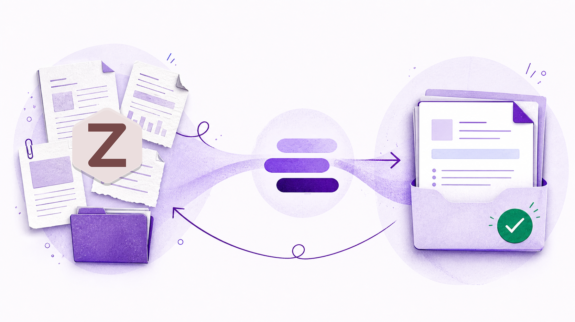
You find a paper in Google Scholar, save the citation to Zotero, copy the key findings into a spreadsheet, paste a paragraph into ChatGPT for a summary, manually create flashcards in Quizlet, and update your Notion page. Six tools. Six context switches. And if you find three more papers tomorrow, you do the whole circuit again.
The cognitive load isn’t in the reading. It’s in the logistics.
This is why most AI study tools end up abandoned within two weeks. They optimize one step — but they don’t eliminate the scavenger hunt between steps.
What the Best AI Study Tools Actually Do
A single-purpose app solves one problem. A study system solves a workflow.
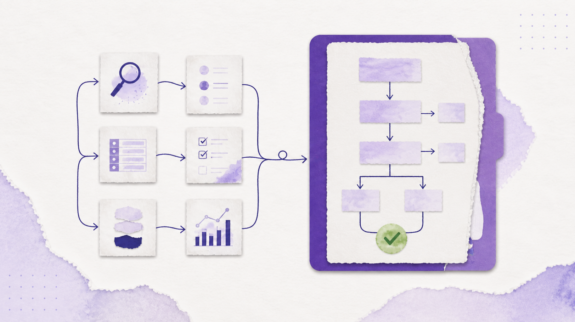
The best AI study tools do five things from a single workspace:
Search multiple academic databases at once
Organize results into structured, editable artifacts — tables, wikis, spreadsheets
Verify your citations against the original sources
Generate study materials — flash cards, equation sheets, practice exams, worked problems
Export everything in the format you actually need
When these steps happen in one place — without tab switching, copy-pasting, or reformatting — the time savings compound. You spend less time managing your tools and more time understanding the material.
That’s the system we’re going to build in this guide. Let’s start with the tools.
Build a Semester-Long Course Wiki
Most students take notes in one app, review in another, and lose half their work by midterms.
A course wiki lets you build your semester notes incrementally: paste lecture notes after each class, ask CoChat to organize and cross-reference them. By finals week, you have a personal textbook — navigable by topic, searchable, with rendered math formulas and a built-in study checklist.
Browse a sample:This STAT 301 course wiki covers descriptive statistics through regression, with a midterm study checklist. Six pages, four sections, all editable.
You can keep building it all semester. Every conversation adds to it. Nothing gets lost in a folder you’ll never reopen.
Generate LaTeX Equation Sheets in Seconds
Open-note exam? Instead of hand-formatting a formula cheat sheet in Word (and fighting with equation editors for two hours), describe what you need: “Give me every equation from Chapters 4–8 of Thermodynamics, organized by topic.”
You get a beautifully typeset, editable LaTeX document — with rendered math — that you can download and print. Edit any formula inline. Add your own notes. Export as .tex for use in your own LaTeX workflow.
See a sample:This Thermodynamics equation sheet covers everything from the First Law to Rankine cycle efficiency — organized, rendered, and ready to print.
No LaTeX knowledge required. Just describe what you need in plain language.
Practice With Worked Problem Sets That Actually Run
This one’s different from every other AI study tool.
Most AI assistants give you a typed-out solution. CoChat generates a Python script that runs in your browser — with step-by-step solutions, real calculations, and matplotlib plots. Change a number, re-run, see how the answer changes.
A stats student could say “generate 5 practice regression problems with different datasets” and get an executable artifact with scatter plots, residual analysis, and a summary answer key.
Try it:This linear regression problem set generates 5 practice problems with full OLS solutions, matplotlib visualizations, and a summary answer key. Problem 4 intentionally fails the significance test — can you see why before checking the answer?
This works for any quantitative course: physics simulations, engineering calculations, economics models, chemistry stoichiometry. If it involves numbers, CoChat can generate a runnable practice set.
Flash Cards and Practice Exams — AI Study Tools That Test You
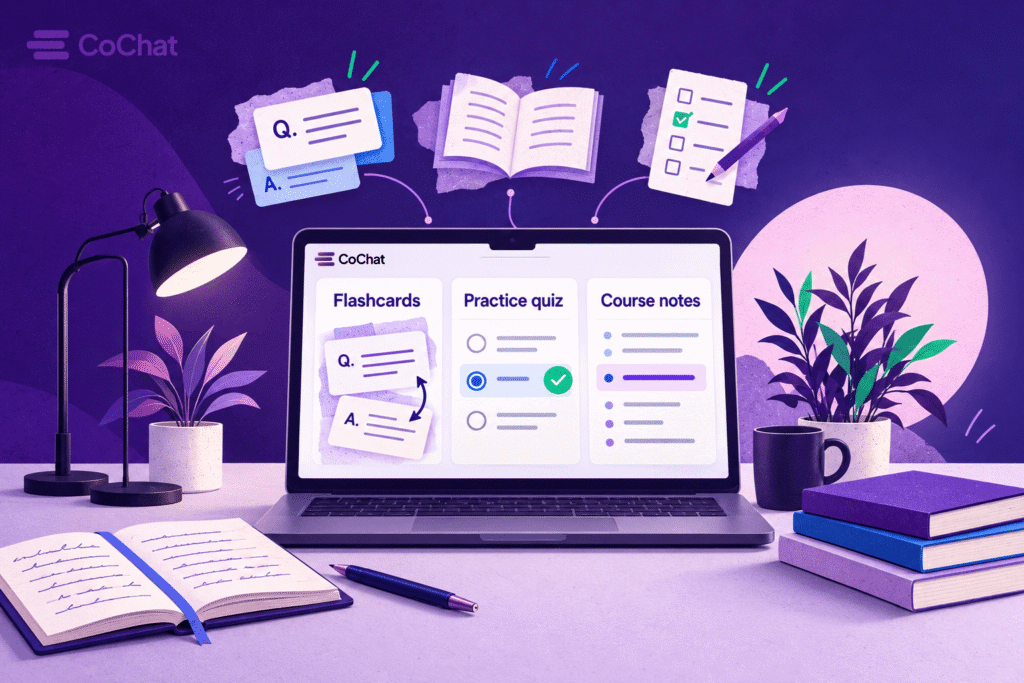
Instead of creating flashcards from scratch (or trusting a generic AI to generate questions about a topic it vaguely summarizes), generate study materials directly from your notes, papers, and course content:
Concept cards: “What is the dual-attention mechanism?” → definition pulled from the actual paper
Citation cards: “Which 2024 study found no significant effect of AI tutoring on math scores?” → “Park & Lee, 2024, Journal of Ed Tech”
Cloze deletions: “Smith et al. (2024) found that AI writing feedback improved {{c1::essay structure}} but not {{c2::creative expression}}.”
Multiple choice with rationales: Full per-option explanations so you learn why each wrong answer is wrong — not just which letter to circle
See it in action:This Engineering Thermodynamics study deck was generated from a single conversation — 10 cards mixing Q&A, fill-in-the-blank, and multiple choice with per-option rationales. Flip through it to see what AI-generated flash cards actually look like.
Exam prep mode: Want to simulate a real midterm? This 12-question practice exam covers thermodynamics with full per-option rationales.
Flash cards support Anki-style cloze deletion and spaced repetition built into the browser. Or export to Anki, CSV, or JSON and use your existing study app.
Literature Reviews — From Research Question to Verified Citations
If you’re writing a thesis, preparing for a qualifying exam, or building a reading list for a seminar course, your study system needs a research layer.
CoChat lets you search seven academic databases from a single prompt — arXiv, PubMed, Semantic Scholar, OpenAlex, CrossRef, CORE, and Europe PMC — and organize results into a structured, editable Literature Review Table with custom columns for methodology, sample size, key findings, or any dimension you define.
But the real differentiator is the Claim Checker. When you add a claim to your review table — a quote, paraphrase, or citation — the system verifies it against the original paper using Semantic Scholar’s snippet search. If the claim doesn’t match the source, it gets flagged. No more accidental misattributions.
✅ arXiv, PubMed, Semantic Scholar, OpenAlex, CrossRef, CORE, Europe PMC
Semantic Scholar only
Semantic Scholar only
Semantic Scholar + OpenAlex
Structured Literature Review Table
✅ Editable, persistent artifact
Basic table export
❌
❌
Claim verification (quote/paraphrase check)
✅ Semantic Scholar snippet search
❌
Consensus check on claims
❌
DOI-based citation verification
✅ CrossRef resolver
❌
❌
❌
LaTeX equation sheets
✅ Rendered, editable, downloadable
❌
❌
❌
Executable problem sets (Python)
✅ Runs in browser with plots
❌
❌
❌
Course wiki / notes
✅ Multi-page, navigable, persistent
❌
❌
❌
Flash card generation
✅ Built-in with spaced repetition & Anki export
❌
❌
❌
Conversational multi-turn workflow
✅ Full iterative refinement
Limited
Search-focused
Graph-focused
Free tier
✅ Yes
Limited
Limited
Free
Elicit is strong for paper discovery and data extraction. Consensus is useful for checking whether scientific consensus supports a specific claim. ResearchRabbit is excellent for citation graph exploration.
CoChat is the only platform that runs the full loop: search, organize, verify, generate study materials, and export — in a single conversation. And it’s the only one that goes beyond research into LaTeX, Python, wikis, and flash cards.
Pro tip: Don’t search all seven every time. CS review? Start with arXiv + Semantic Scholar. Biomedical? PubMed + Europe PMC. Expand to the full set for thesis-level comprehensive coverage.
All seven are accessible from a single conversation through CoChat’s research integrations — no API keys, no setup, no separate accounts.
Set Up Your AI Study Tools in 5 Minutes
You don’t need to configure anything complex. Here’s the fastest path:
Sign up at app.cochat.ai — the free tier includes research integrations
Start a conversation and tell it what you’re working on — a course, a thesis, an exam
Build your first artifact — a course wiki, a literature review table, a set of flash cards, an equation sheet
Keep building — each conversation adds to your workspace. Notes from Monday’s lecture, flash cards from Wednesday’s reading, a practice exam on Friday
Export when you need to — tables to CSV/PDF, cards to Anki, equations to .tex, wikis to Markdown
That’s it. Your research, your notes, your study materials — all in one place, all connected, all exportable.
For advanced workflows — like setting up a dedicated Literature Review Assistant with persistent integrations, or automating weekly searches for new papers in your field — check the full walkthrough guides:
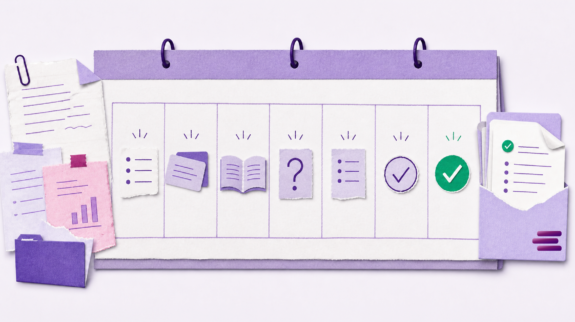
The student who reviews 30 papers in half the time doesn’t have a better flashcard app. They have a system where every step — search, organize, verify, study, export — flows into the next without friction.
That’s what an AI-powered study system actually looks like. Not another tool on the pile. A workspace that replaces the pile.
Your next semester doesn’t need 47 browser tabs, three spreadsheets, and a prayer. It needs one conversation.
Alicia Thompson is a creative strategist working at the intersection of AI, content, and brand. She partners with startups and growing teams to turn complex ideas into clear, high-performing narratives that people actually understand—and act on.
With a background in experiential marketing and brand leadership, she brings a systems-thinking approach to content, helping companies connect strategy, storytelling, and execution across channels. At CoChat, she focuses on making AI more usable, more human, and more valuable for real teams.