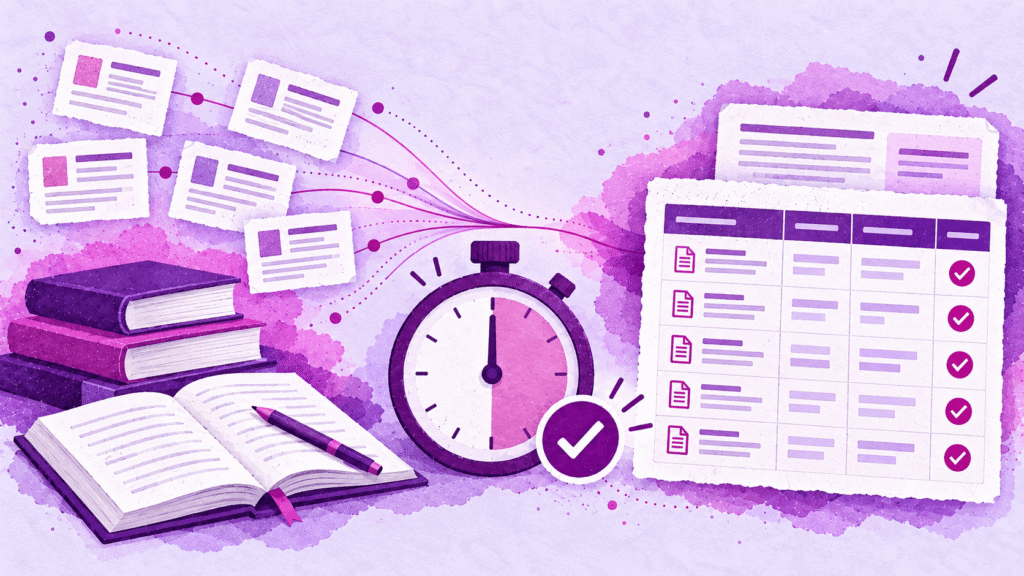
Literature reviews are the backbone of serious research — and one of the biggest time sinks in academia. Graduate students routinely spend weeks (sometimes months) searching databases, organizing sources, extracting findings, and synthesizing themes before they write a single paragraph of their own argument. Enter: the AI Literature Review Assistant.
The process hasn’t changed much in decades: open a database, run a search, scan abstracts, download PDFs, take notes in a spreadsheet, repeat across three or four more databases, then try to make sense of it all.
AI changes the equation — not by writing for you, but by compressing the most tedious phases so you can spend your time on what actually matters: thinking critically about what the literature means.
This guide walks through a practical, step-by-step workflow for building an AI literature review — from setting up a purpose-built research assistant to searching, screening, extracting, synthesizing, and sharing your work with collaborators.
“AI doesn’t replace the thinking in a literature review. It replaces the busywork that keeps you from doing the thinking.”
Why literature reviews take so long (it’s not the writing)
Most researchers don’t struggle with the writing phase of a literature review. They struggle with everything that comes before it:
- Search fragmentation — bouncing between Arxiv, Semantic Scholar, PubMed, Google Scholar, and institutional databases, each with different interfaces and export formats
- Deduplication — the same paper appears in three databases under slightly different metadata
- Screening fatigue — reading 80 abstracts to find the 15 papers that actually matter
- Extraction chaos — pulling methods, findings, and limitations into a spreadsheet that becomes unreadable by row 30
- Synthesis paralysis — staring at a pile of notes trying to find the themes
AI can meaningfully accelerate steps 1 through 4 — and give you a structured foundation for step 5. But the key isn’t just “using AI.” It’s building a research assistant that knows your project, your criteria, and your assignment — and pairing it with the right tools.
Where to start: Build your AI Literature Review Assistant
Before you search a single database, set up a dedicated assistant for your AI literature review. This is the difference between asking a generic chatbot for help and having a research partner that knows your project inside and out.
Create the assistant
In CoChat, create a new assistant (or clone a research-focused template if one is available). The goal is to build an assistant you’ll use all semester — not one you throw away after a single assignment.
There are two approaches, depending on how you work:
Option A: A general Literature Review Assistant (best for most students)
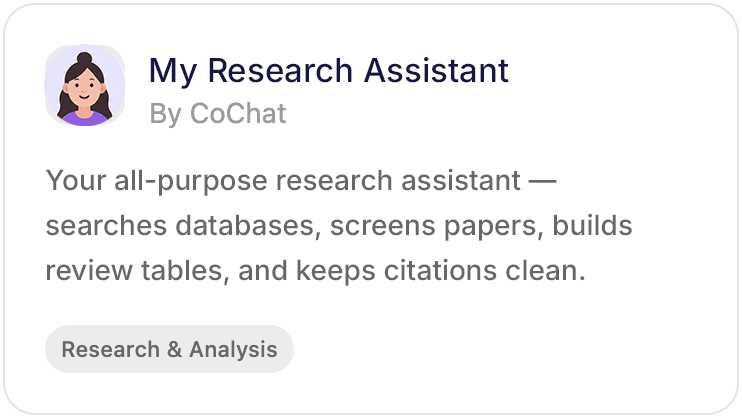
Build one assistant that handles AI literature reviews across all your classes and projects. Name it broadly — “My Research Assistant” or “Lit Review Assistant” — and give it instructions that apply to your work in general:
- “You help me conduct structured literature reviews. My field is [X]. Always screen papers against my inclusion/exclusion criteria. Extract findings into a Literature Review Table. Use APA 7th edition for citations. Flag uncertainty and push back when evidence is weak.”
When you start a new review, open a new chat with the same assistant and provide the specific research question and criteria for that project. The assistant already knows your field, your standards, and your preferred workflow — you just point it at a new topic.
Option B: One assistant per class or subject area (best for students juggling very different fields)
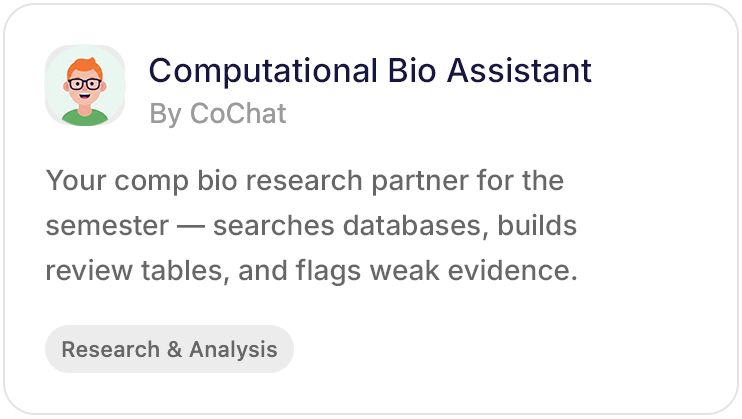
If you’re taking courses across disciplines with different citation styles, methodologies, and database preferences, create one assistant per class or subject area. Name them by course or domain — “SOC 601 Research” or “Computational Bio Assistant” — so each one carries the context for that field:
- “You help me with research for SOC 601: Migration & Policy. Use ASA citation format. Prioritize empirical studies and policy analyses. Screen papers against the inclusion criteria I provide at the start of each review.”
Either way, the assistant persists across assignments. You’re building a research partner for the semester, not a single-use tool.
For both options, tune the personality for academic rigor: no fluff, cite everything, flag uncertainty, and push back when evidence is weak.
Turn on the right skills and integrations
Your assistant is only as good as the tools it can access. Enable these integrations in your assistant’s settings:
- Arxiv — preprint search, strongest in STEM and quantitative fields
- Semantic Scholar — citation graph data, influence scoring, abstract-level search
- CrossRef — the authority on DOIs, metadata accuracy, and journal verification
- OpenAlex — broadest open-access coverage, institutional and author data
- Web search — for gray literature, policy documents, reports, and sources outside traditional academic databases
With all five enabled, your assistant can search across databases in a single conversation instead of making you bounce between browser tabs.
Give it context about your assignment
This is the step most students skip — and it’s the biggest force multiplier.
Upload or link:
- Your class syllabus (PDF or link to your Canvas/Blackboard/LMS course page)
- The assignment rubric for the literature review
- Any professor guidelines on scope, source requirements, or formatting expectations
- Your course homepage if it includes a reading list or recommended databases
When your assistant has this context, it can:
- Tailor search terms to the course topic (not just your best guess)
- Screen papers against the assignment’s criteria, not just generic relevance
- Structure the extraction table to align with rubric categories
- Flag when your review is missing something the rubric explicitly requires
- Default to the correct citation style without you having to remind it
Think of it as handing your research assistant the assignment brief on day one — the same thing you’d do with a human RA.
For educators: You can build a Literature Review Assistant pre-configured with your course’s inclusion criteria, required databases, citation style, and rubric — then share it with your class. Every student starts with the same structured workflow instead of figuring out the process from scratch. Think of it as building a “starter kit” that teaches methodology through the tool.
Step 1: Define your research question and scope
This step is the same with or without AI, and skipping it is the number one reason literature reviews go sideways.
Before searching anything, write down:
- Your research question (one sentence)
- Inclusion criteria — what types of studies count? (e.g., empirical only, published after 2018, English language)
- Exclusion criteria — what’s out of scope?
- Key terms and synonyms — the words you’ll search across databases
This takes 20 minutes and saves you hours of unfocused searching later. Share these criteria with your assistant — paste them directly into the chat or add them to your assistant’s instructions. A well-defined scope gives the AI precise guardrails for every step that follows.
(For a deeper framework on structuring this phase, the University of Oklahoma’s library guide on literature review steps is a solid starting point: https://guides.ou.edu/LitReviews/steps)
Step 2: Search across multiple databases in one workflow
Here’s where the traditional process breaks down: you run the same (or similar) search across four different databases, export results in different formats, and manually merge them.
With your Literature Review Assistant and its integrations enabled, you can search Arxiv, Semantic Scholar, CrossRef, and OpenAlex from a single conversation — and pull results into one unified view instead of four browser tabs and a messy Downloads folder.
What to do:
- Run your key terms across all four databases
- Pull results into a structured table (title, authors, year, abstract, source database, DOI)
- Let AI flag duplicates across databases based on DOI or title matching
Why this matters:
Each database has different coverage. Arxiv skews toward preprints in STEM. Semantic Scholar has strong citation graph data. CrossRef is the authority on DOIs and metadata accuracy. OpenAlex covers the broadest set of open-access sources. Searching all four gives you coverage no single database provides alone.
Step 3: Screen and filter with AI assistance
Once you have a combined set of results (often 50–200+ papers), screening is the next bottleneck.
Traditional approach: read every abstract. Decide yes/no/maybe. Repeat until your eyes glaze over.
AI-assisted approach: have your assistant read abstracts against your inclusion/exclusion criteria and pre-sort papers into “relevant,” “maybe,” and “not relevant” — then you review the AI’s reasoning and make the final call.
Key principles for AI-assisted screening:
- AI proposes, you decide. Never let the AI discard a paper without showing you why. This is a human-in-the-loop workflow — AI accelerates your judgment, it doesn’t replace it.
- Screen in batches. Don’t try to screen 200 papers at once. Do 20–30 at a time, refine your criteria, then continue.
- Flag edge cases. Ask the AI to separately surface papers it’s unsure about — those are often the most interesting finds.
- Check against your rubric. If your assignment requires a minimum number of sources or specific source types (e.g., “at least 5 peer-reviewed empirical studies”), ask the assistant to track that as it screens.
For educators: AI-assisted screening is a powerful teaching moment. Have students share their screening results (with the AI’s reasoning visible) so you can evaluate how they’re making inclusion/exclusion decisions — not just what they included. It turns a black-box process into a reviewable one.
Step 4: Extract findings into an AI Literature Review Table
This is where most manual processes fall apart. You have your 15–40 relevant papers. Now you need to extract:
- Research question or hypothesis
- Methodology
- Key findings
- Limitations
- Relevance to your own question
Doing this in a spreadsheet works until about paper 12, when the rows blur together and you lose track of what column “limitations” was in.
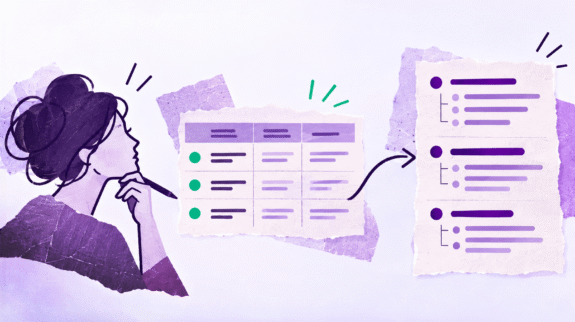
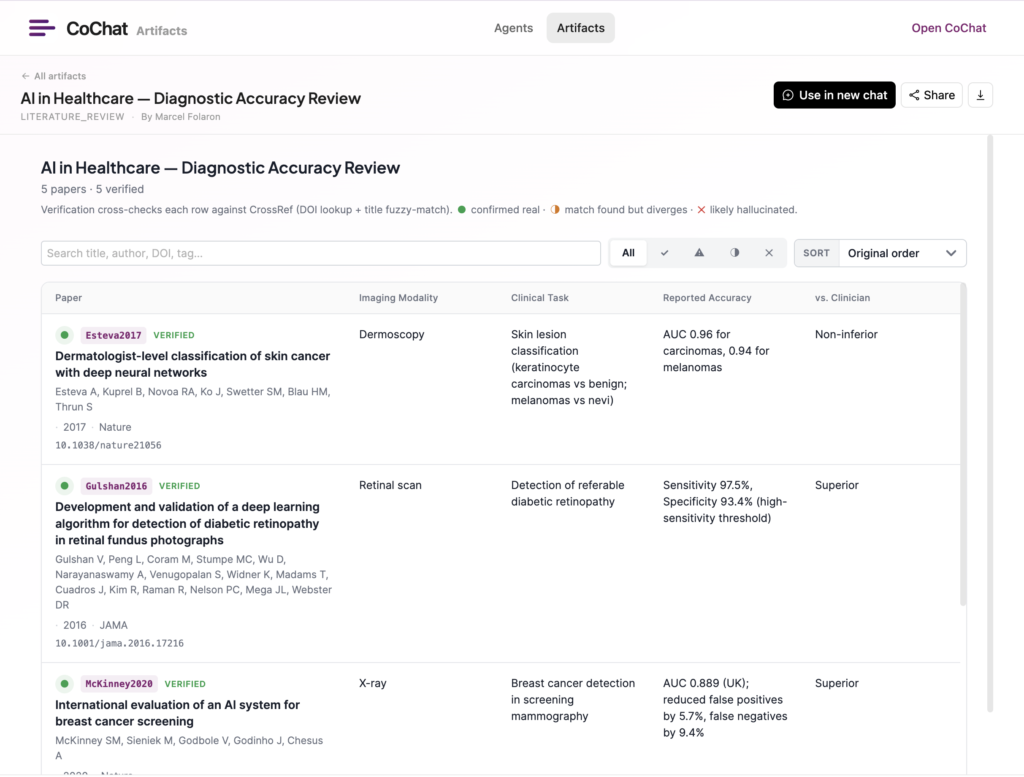
A Literature Review Table solves this by giving you a structured, purpose-built extraction format:
- Each row is a paper (with full citation data pulled from CrossRef or OpenAlex)
- Each column is an extraction dimension (method, findings, limitations, your notes)
- You can sort, filter, and tag papers by theme
- AI can pre-fill extraction columns from abstracts — then you review, correct, and add your own analysis
Tips for better extraction:
- Add a “relevance” rating column (1–5) so you can quickly see which papers are central vs. peripheral
- Tag papers by theme as you go — this makes synthesis (step 5) dramatically easier
- Align columns to your rubric. If the rubric asks you to evaluate methodology and limitations specifically, make those prominent columns — not afterthoughts
- Don’t over-extract. If a column isn’t helping your argument, drop it. A 15-column table with half-empty cells is worse than an 8-column table with every cell filled
Step 5: Synthesize themes (the part AI can’t do for you — but can help you organize)
Synthesis is the intellectual core of a literature review. It’s where you move from “here’s what each paper says” to “here’s what the literature, taken together, tells us.”
AI can’t do this for you — but it can help you see patterns:
- Ask AI to cluster your extracted findings by theme. If you tagged papers in step 4, the AI can group them and suggest thematic labels.
- Ask for contradictions. “Which papers disagree on [X]?” is a question AI can answer quickly across your extraction table.
- Ask for gaps. “Based on these papers, what questions remain unanswered?” — this often reveals your own contribution.
Once you have 3–5 themes (or arguments, or tensions), you have the skeleton of your literature review. The writing is connecting those themes with your own analysis.
Step 6: Write, iterate, and get feedback
With your themes identified and your evidence organized in a Literature Review Table, writing becomes dramatically simpler:
- Draft each thematic section by pulling the relevant rows from your table and weaving them into a narrative. AI can help you write the first draft — you refine the argument.
- Iterate with AI feedback. Share your draft and ask: “Does this section accurately represent the findings? Are there papers I’m underweighting?”
- Export a clean citation list from your table — every paper already has DOI and metadata from CrossRef/OpenAlex, so your references are accurate from the start.
Export citations to your citation manager
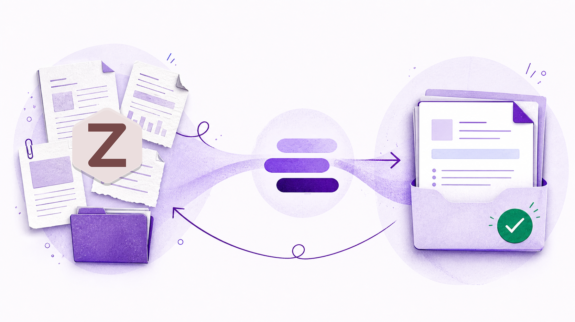
If you use Zotero, Mendeley, or EndNote, you can export your Literature Review Table as a CSV and import it directly into your citation manager. No manual re-entry. No mistyped DOIs. Your extraction table becomes your citation database.
Step 7: Make it collaborative
Academic work is rarely solo. Here’s how to use CoChat’s sharing features to make your literature review a team effort:
Share the artifact (not the whole thread)
- Share your AI Literature Review Table directly with your advisor — they can review your extraction, add papers you missed, flag questionable interpretations, and leave notes. They don’t need access to your full chat history to do this.
- Share your draft as a Markdown or Wiki artifact for async feedback from peers, writing groups, or committee members.
Share the assistant
- Share your AI Literature Review Assistant with your lab group or study group. They can clone it and use the same workflow, criteria, and integrations — so everyone in the group is working with the same structure instead of reinventing the process individually.
Use a shared project folder
Organize everything in a CoChat Project: your Literature Review Assistant, your search conversations, your Literature Review Table, your draft artifacts, and any supplementary materials. Invite collaborators to the project so everyone has access to the full context — not just fragments forwarded over email.
Publish for the community
Once your review is complete, consider publishing your Literature Review Table as a Public Artifact. Other researchers working on similar topics can learn from your structure, see which papers you included, and build on your extraction framework instead of starting from scratch.
This is especially valuable in fast-moving fields where new work builds directly on existing reviews.
For educators: Share a pre-built Literature Review Table template with your class as a Public Artifact. Students clone it and fill it in for their own topics — so every submission follows the same extraction structure, making grading faster and feedback more consistent.
(Related: Your AI Agents Just Went Public — Introducing CoChat Public Agents)
Bonus: Turn your review into study materials
You’ve done the hard work of reading, extracting, and synthesizing. Don’t let that effort serve only one assignment.
Generate flash cards from your findings
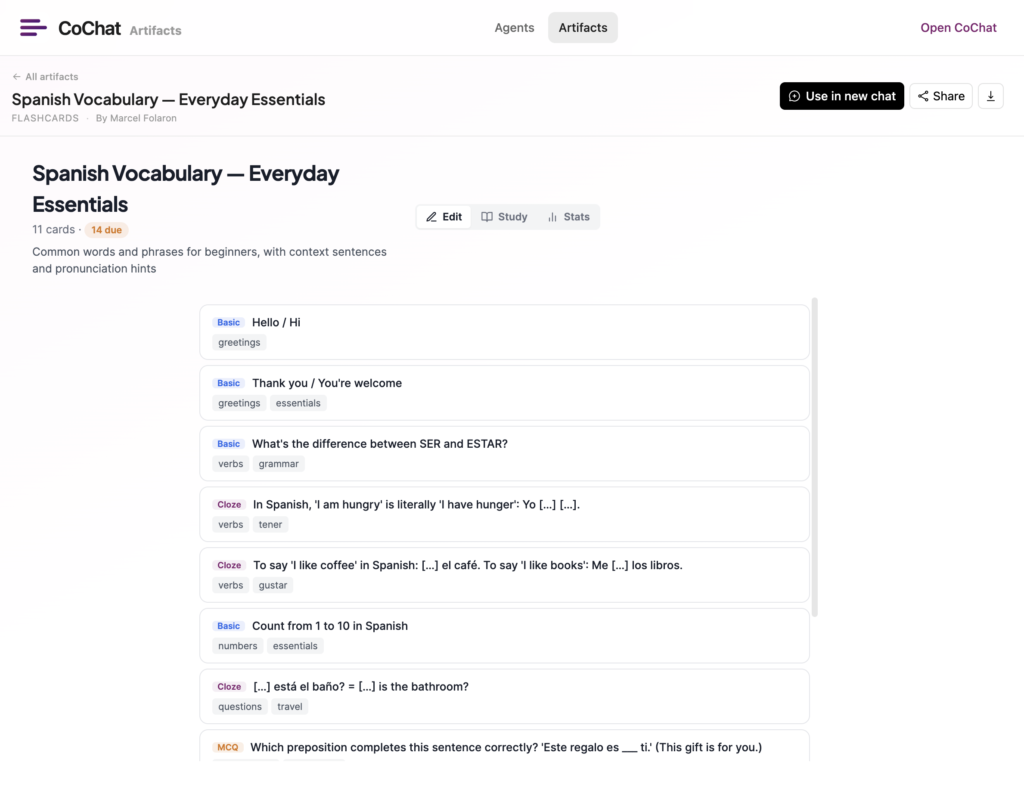
Once your Literature Review Table is complete, ask your assistant to generate flash cards from the key findings, methods, and definitions across your papers. These are invaluable for:
- Qualifying exams — drill yourself on landmark studies and their methods
- Thesis defenses — have instant recall of which paper said what
- Course review — turn a semester’s worth of reading into a study deck you can flip through before finals
For educators: Generate flash card decks from your course’s key readings and share them as Public Artifacts. Students get a ready-made study resource you can update each semester — and you get a reusable teaching asset that compounds year over year.
Build a decision matrix for methodology comparison
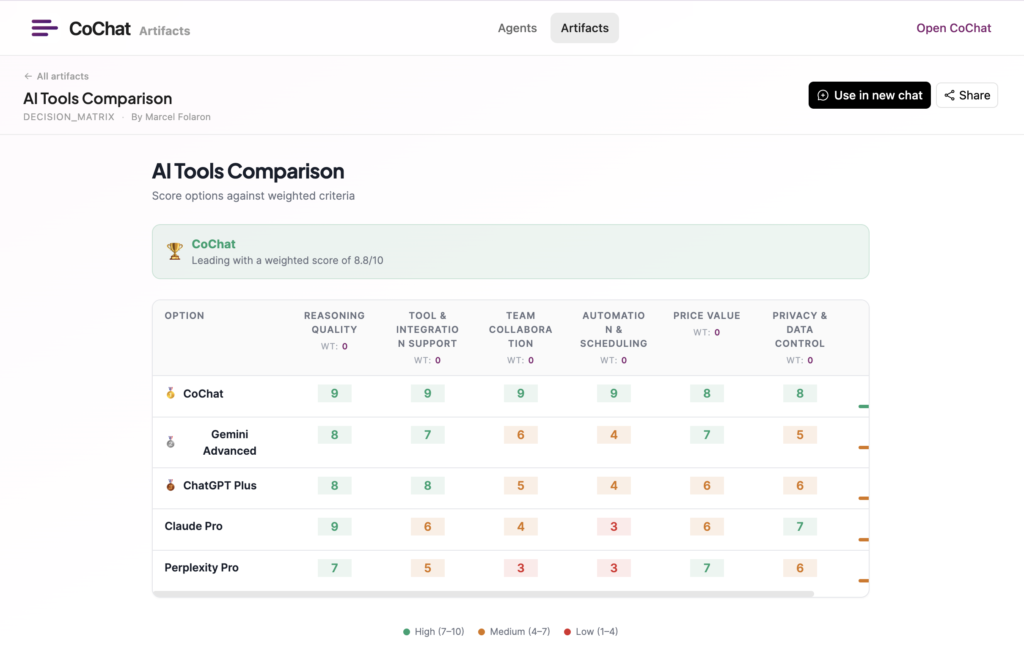
If your review compares multiple research approaches, create a Decision Matrix artifact to make the tradeoffs explicit: which methods are strongest for your research question? Which have the most limitations? This is useful both as an analytical tool and as a visual aid for your committee or advisor.
Track your progress with a kanban or to-do list
For longer reviews (thesis chapters, dissertation lit reviews), set up a Kanban board or To-Do List inside the same project to track which papers still need full-text review, which sections are drafted, and what’s waiting for advisor feedback.
Keep your review current with automated searches
If you’re working on a topic over months (or years, as PhD students often do), your literature review doesn’t end when you submit the first draft.
Set up a weekly automation on your Literature Review Assistant that:
- Runs your key search terms across Arxiv and Semantic Scholar
- Surfaces any new papers published since your last search
- Flags papers that match your inclusion criteria
- Sends you a brief summary so you can decide whether to add them to your review
This keeps your review current without manual re-searching — and it means your thesis defense prep includes the most recent work in your field, not just what you found six months ago.
For educators: Set up an automated weekly search for your research area and share the results with your lab group or grad seminar. New papers surface automatically each week — no one has to remember to check, and your group discussions always start with the latest work.
Your full project setup (everything in one place)
A complete AI-assisted literature review project in CoChat might look like this:
| Artifact / Tool | Purpose |
|---|---|
| Literature Review Assistant | Your dedicated research partner — with custom instructions, integrations, and assignment context |
| Literature Review Table | Structured extraction of every paper: citation, method, findings, limitations, themes, relevance |
| Markdown / Wiki doc | Your actual literature review draft, iterable with AI feedback |
| CSV Table | Exportable citation list for Zotero, Mendeley, or EndNote |
| Flash Cards | Study deck generated from your key findings and definitions |
| Decision Matrix | Methodology comparison across papers |
| Kanban board | Track full-text review, drafting, and advisor feedback stages |
| Pomodoro Timer | Focused reading and writing sessions |
All of these live in one Project folder. All are shareable individually or as a group. And your Literature Review Assistant ties them together — every conversation builds on the same context, criteria, and evidence base.
For educators: The project folder doubles as a course template. Build the assistant, seed the Literature Review Table with your preferred column structure, add a rubric-aligned kanban for tracking progress, and invite students to the project. They get the framework; they do the research. Each semester, duplicate the project and start fresh.
The time savings: where AI actually helps (and where it doesn’t)
Let’s be honest about what AI compresses and what it doesn’t:
| Phase | Without AI | With AI | Time saved |
|---|---|---|---|
| Define scope & criteria | 1–2 hours | 1–2 hours | None (this is your job) |
| Set up assistant + context | N/A | 15–30 min | Investment that pays off every step after |
| Search across databases | 4–8 hours | 30–60 min | ~80% |
| Deduplication | 1–2 hours | Minutes | ~90% |
| Abstract screening | 6–12 hours | 1–2 hours | ~75% |
| Data extraction | 8–20 hours | 2–4 hours | ~70% |
| Synthesis & writing | 10–30 hours | 8–25 hours | ~15–20% |
| Collaboration & sharing | Hours of email/docs | Minutes | ~90% |
The biggest gains are in the middle of the process — search, screening, and extraction. These are the phases that feel like “busywork” to researchers because they’re mechanical but time-consuming. AI handles them well.
Synthesis and writing are where your expertise matters most. AI assists, but the argument is yours.
(Research on AI-assisted literature reviews supports these estimates — a 2024 study in Artificial Intelligence Review found that AI tools can reduce screening and extraction time by 60–70% when used as part of a structured workflow: https://link.springer.com/article/10.1007/s10462-024-10902-3)
Common mistakes to avoid
- Letting AI decide what’s relevant without reviewing its reasoning. AI screens based on keyword overlap and semantic similarity — it doesn’t understand your specific argument. Always review.
- Skipping the scope definition. If you don’t define inclusion/exclusion criteria up front, AI will return everything and you’ll drown in noise.
- Not giving the assistant your assignment context. A syllabus and rubric take 30 seconds to upload and dramatically improve every output.
- Over-relying on one database. Arxiv is great for preprints but misses most social science. Semantic Scholar has strong citation data but less coverage of humanities. Use multiple sources.
- Treating AI extraction as final. AI can pre-fill your Literature Review Table, but you need to verify every entry against the actual paper — especially methodology and limitations.
- Forgetting to cite properly. AI can help you organize citations, but always verify DOIs and metadata against CrossRef before submitting.
- Working in isolation. Share your table with your advisor early. Share your assistant with your study group. The review gets better when other eyes are on it.
Start building
If you’re working on a literature review right now (or dreading the next one), here’s your quickstart:
- Create a Literature Review Assistant in CoChat — add your research question, criteria, and assignment context
- Enable Arxiv, Semantic Scholar, CrossRef, OpenAlex, and web search in the assistant’s skills
- Upload your syllabus or rubric so the assistant knows exactly what the assignment requires
- Run your first search across two databases and pull results into a Literature Review Table
- Share the table with your advisor for early feedback — before you’ve written a word
Explore what other researchers are sharing in the Public Artifacts Hub →
Related reading: