You know the drill. You open Arxiv in one tab. Semantic Scholar in another. CrossRef in a third. You copy-paste titles into a spreadsheet, lose track of which papers you’ve already read, and end the day with 47 browser tabs and no structured output.
The AI literature review is supposed to fix this. But most tools only solve one piece of the puzzle — search without organization, or summaries without citation tracking.
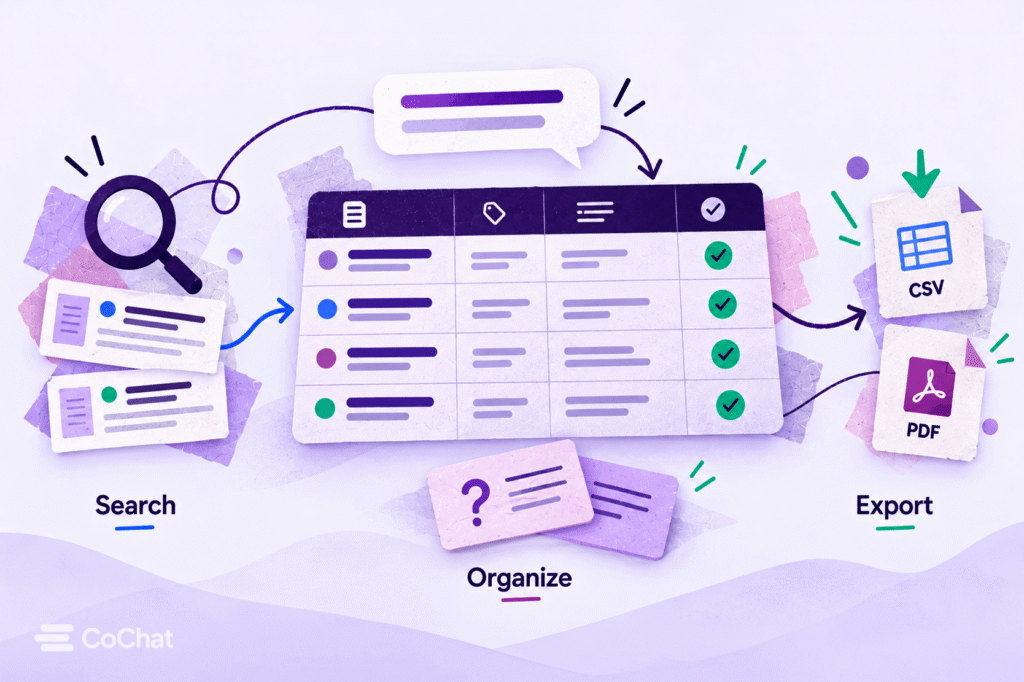
What if you could search four academic databases, organize findings into a structured review table, generate flash cards for studying key concepts, and export everything — all from a single conversation?
That’s exactly what CoChat’s new research integrations and artifact types make possible. Here’s how it works, step by step.
Why Traditional Literature Reviews Break Down
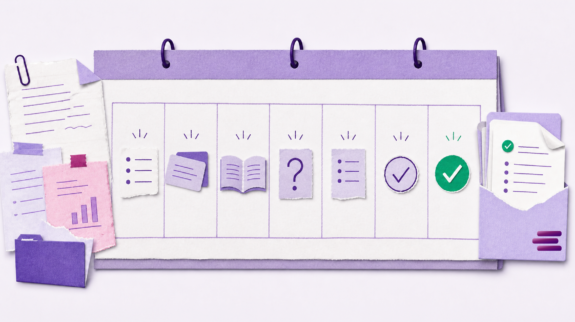
A systematic or narrative literature review typically involves five stages:
- Define your research question and search terms
- Search multiple databases for relevant papers
- Screen and organize results by relevance, methodology, and findings
- Extract and synthesize key data points across studies
- Export your review in a usable format (table, citation list, study notes)
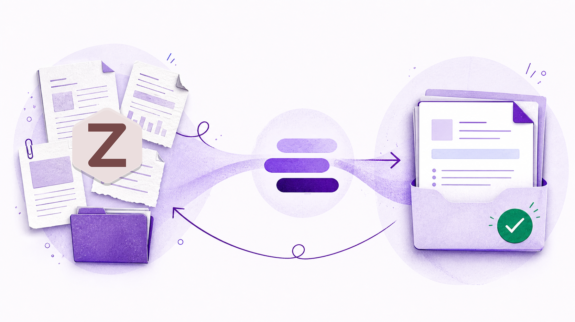
Most researchers handle each stage with a different tool. Google Scholar for discovery. Zotero or Mendeley for citation management. A spreadsheet for extraction. Anki or Quizlet for studying key terms.
The result? Hours spent switching between tools, reformatting data, and manually reconciling sources. The cognitive load isn’t in the reading — it’s in the logistics.
What an AI Literature Review Actually Looks Like
An AI-powered literature review doesn’t just find papers faster. It collapses the entire workflow into a single, iterative conversation where you can search, filter, organize, and export without leaving the page.
Here’s what that looks like with CoChat’s new integrations.
Step 1: Search Four Databases From One Prompt
CoChat now integrates directly with four major academic databases:
- Arxiv — preprints in physics, mathematics, computer science, and quantitative fields
- Semantic Scholar — 200M+ papers with AI-powered relevance ranking
- CrossRef — DOI metadata and citation data across 150M+ records
- OpenAlex — open catalog of the global research system
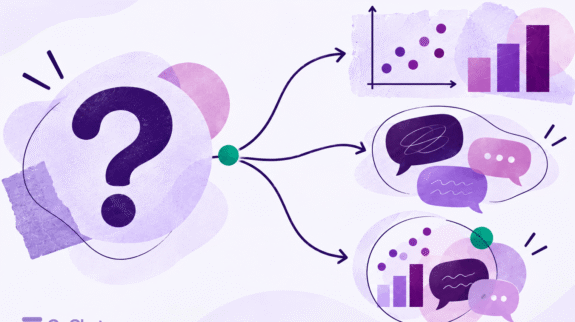
Instead of running the same search four times in four tabs, you describe what you’re looking for in plain language:
“Find recent papers on transformer architectures for medical image segmentation, published after 2023, with a focus on attention mechanisms.”
CoChat searches across all four databases, deduplicates results, and returns a consolidated list with titles, authors, publication dates, DOIs, and abstracts.
For educators: This means you can build a reading list for an entire course module in minutes — not hours. Ask for foundational papers in one prompt, then follow up with “now find critiques or replications of these studies” in the next.
For students: No more guessing which database has the paper your advisor mentioned. Search everything at once, then narrow down.
Step 2: Organize Into a Literature Review Table
Raw search results are just the beginning. The real work is structuring what you find.
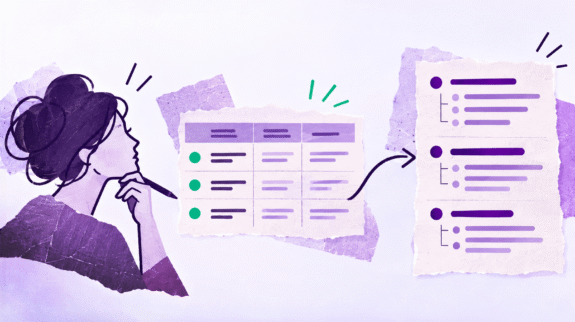
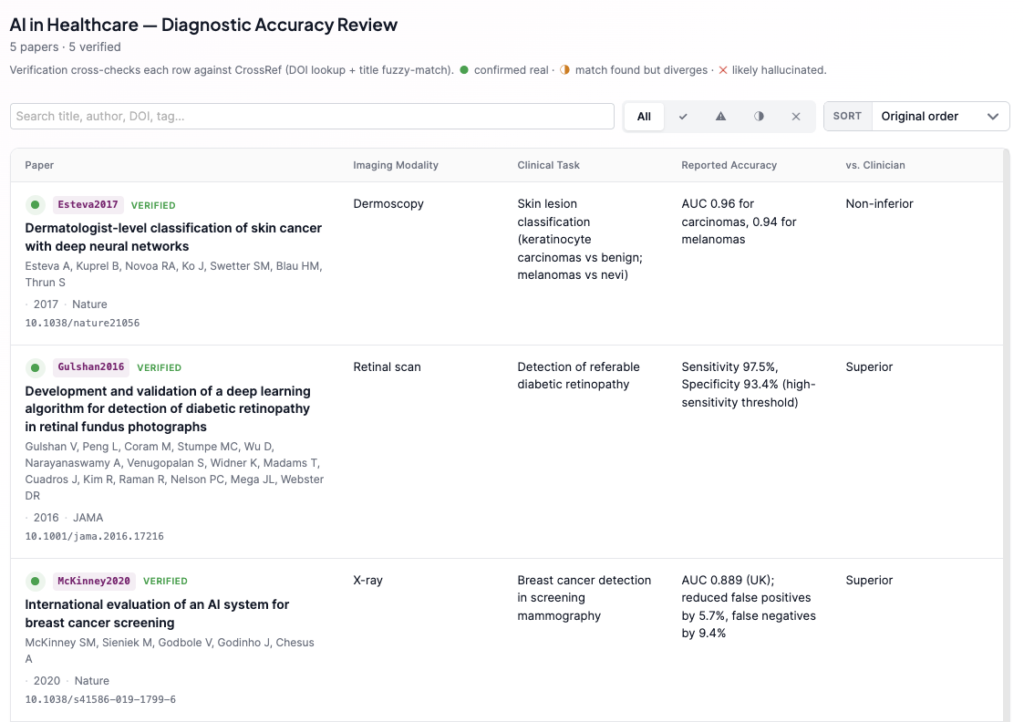
CoChat’s new Literature Review Table artifact lets you organize papers into a structured extraction table — the kind you’d normally build in Excel or Google Sheets — directly from your conversation.
Each row is a paper. The columns are yours to define:
- Author, year, venue, DOI (auto-populated)
- Methodology (RCT, meta-analysis, qualitative, etc.)
- Sample size
- Key findings
- Relevance rating
- Your notes
You can ask CoChat to populate the table from your search results, then refine it — “remove papers with sample sizes under 50,” “sort by relevance to my research question,” “add a column for limitations.”
The table is editable, exportable, and persistent. Come back tomorrow and pick up where you left off.
For educators: Use Literature Review Tables to model the extraction process for students. Share a pre-populated table as a teaching artifact, then have students extend it with their own sources.
For students: Your advisor asks for a “structured comparison of methodologies across 15 papers.” This is exactly that — without the spreadsheet gymnastics.
Step 3: Generate Flash Cards for Key Concepts
Once you’ve organized your literature, you probably need to remember it — especially if you’re prepping for a qualifying exam, writing a thesis introduction, or teaching the material next week.
CoChat’s new Flash Cards artifact turns your literature review into a study deck:
- Key terms and definitions extracted from your papers
- Methodology comparisons (front: “What method did Smith et al. 2024 use?” / back: “Randomized controlled trial, n=340, 12-week follow-up”)
- Concept-to-citation mapping (front: “Which paper introduced the dual-attention mechanism for segmentation?” / back: “Chen et al., 2023, published in MICCAI”)
Flash cards support both basic (front/back) and Anki-style cloze deletion formats. You can study them in-browser with spaced repetition, or export to Anki, CSV, or JSON.
For educators: Generate flash card decks as supplementary study materials for your students. Share them alongside your reading list.
For students: Stop making flash cards by hand. Let the AI pull the testable concepts directly from the papers you’ve already reviewed.
Step 4: Export Everything
Every artifact CoChat creates is exportable:
- Literature Review Tables → CSV, XLSX, or PDF
- Flash Cards → Anki (.txt), CSV, or JSON
- Full conversation → Markdown or PDF, with all sources and reasoning preserved
- CSV Tables → For custom data formats, raw datasets, or pipeline-ready extracts
You own your data. Nothing is locked inside the platform.
A Complete Example: “Transformer Models for Medical Imaging”
Let’s walk through a real scenario.
You ask: “I’m writing a literature review on transformer-based models for medical image segmentation. Find key papers from 2022–2025 across Arxiv and Semantic Scholar.”
CoChat responds with 20+ relevant papers, deduplicated across both databases, with abstracts and citation counts.
You follow up: “Organize the top 12 into a literature review table. Columns: authors, year, model architecture, dataset used, key contribution, and DICE score if reported.”
CoChat creates an editable Literature Review Table with 12 rows, pre-populated from the paper metadata and abstracts.
You refine: “Add a relevance rating column. Rate each paper 1–5 based on how directly it addresses attention mechanisms in U-Net variants.”
CoChat updates the table with relevance scores and reasoning.
You export: “Generate flash cards for the key architectural innovations across these papers. Focus on what’s novel in each approach.”
CoChat creates a 15-card deck covering the major contributions, ready for study.
Total time: 15 minutes. Total browser tabs: 1.
How CoChat Compares to Other AI Literature Review Tools
| Feature | CoChat | Elicit | Consensus | ResearchRabbit |
|---|---|---|---|---|
| Multi-database search (Arxiv, Semantic Scholar, CrossRef, OpenAlex) | ✅ All four | Semantic Scholar only | Semantic Scholar only | Semantic Scholar + OpenAlex |
| Structured Literature Review Table | ✅ Editable artifact | Basic table export | No | No |
| Flash card generation | ✅ Built-in with spaced repetition | No | No | No |
| CSV/spreadsheet export | ✅ Editable CSV artifact | CSV export | No | No |
| Conversational workflow | ✅ Full multi-turn | Limited | Search-focused | Graph-focused |
| Free tier available | ✅ Yes | Limited free | Limited free | Free |
Most AI literature review tools do one thing well — Elicit for paper discovery, Consensus for claim verification, ResearchRabbit for citation mapping. CoChat is the only platform that combines search, organization, study tools, and export in a single conversational workflow.
Who This Is For
Graduate Students
You’re drowning in papers. Your committee wants a comprehensive review. You need structured output, not just a list of PDFs. CoChat gives you the table your advisor expects and the flash cards your brain needs.
Researchers
You’re starting a new project and need to map the landscape fast. You don’t want to spend a week in databases before you can write your first paragraph. Search four databases in one prompt, extract the data that matters, and move on to writing.
Educators
You’re updating course materials and need to find, organize, and share current research with your students. Build a reading list, create a review table as a teaching artifact, and generate study cards — all shareable.
Get Started
Your next literature review doesn’t need to involve 47 browser tabs, three spreadsheets, and a prayer.
- Start a free conversation at app.cochat.ai
- Tell CoChat your research question
- Search, organize, study, and export — all from one place
The databases are connected. The artifacts are ready. The only thing missing is your research question.